

Guide
Documents carry what your tables don’t: who signed a contract, what was agreed, who
referred whom. They belong to the workspace and live in Connectors, in document
sets: folders of documents an ontology reads together. A load reads the documents of
the sets its version reads: text and PDFs for the names and facts they hold, linked to
the records your tables hold, and table files, such as CSV exports, as tables of their
own.
Document sets
In the Connectors explorer, the Documents folder holds a folder per set, and each set holds its documents. A workspace gets a set named General with its first upload.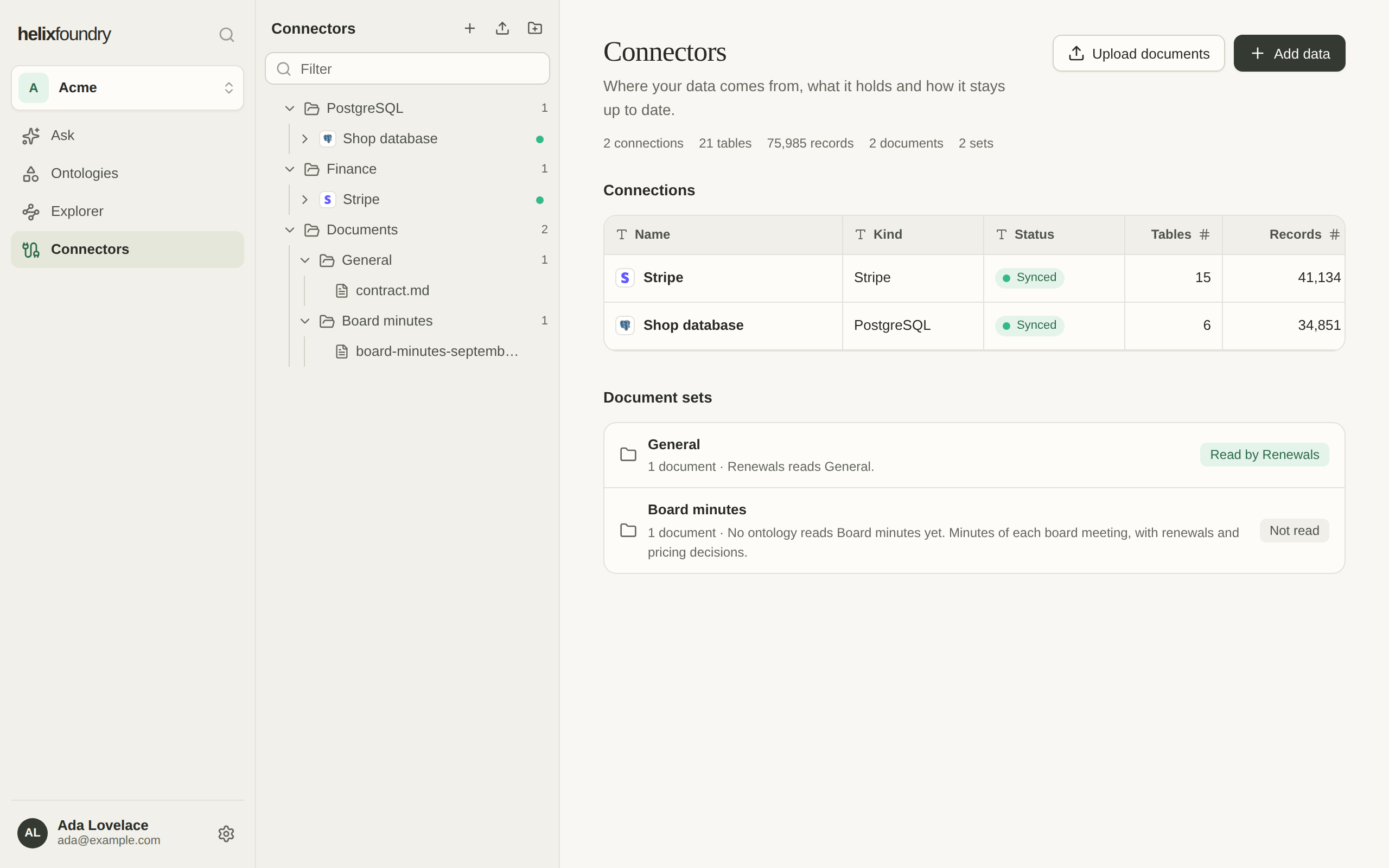
- New set, on the Documents row, names a set and gives it an optional description. The agent that drafts the next version reads the description.
- Describe changes a set’s name and description.
- The pencil beside a set’s name, or F2 on its row, renames it in place.
- Delete removes a set that holds no documents. Move or delete its documents first.
Upload
Upload in any of these ways; Foundry checks each file before it uploads it, then sends it straight to storage and shows its progress.- Upload documents, in the explorer’s head or on the Connectors overview, uploads into General, or the oldest set when there is no General.
- Upload into, on a set’s row, uploads into that set.
- Drop files onto a set in the explorer. Files dropped anywhere else on the explorer or the Connectors overview go where Upload documents puts them.
- On New ontology and in Generate, Upload documents uploads in place.
A workspace holds up to 200 uploaded documents. A name is at most 255 characters, with
no slash, backslash or control character. Compressed files aren’t taken.
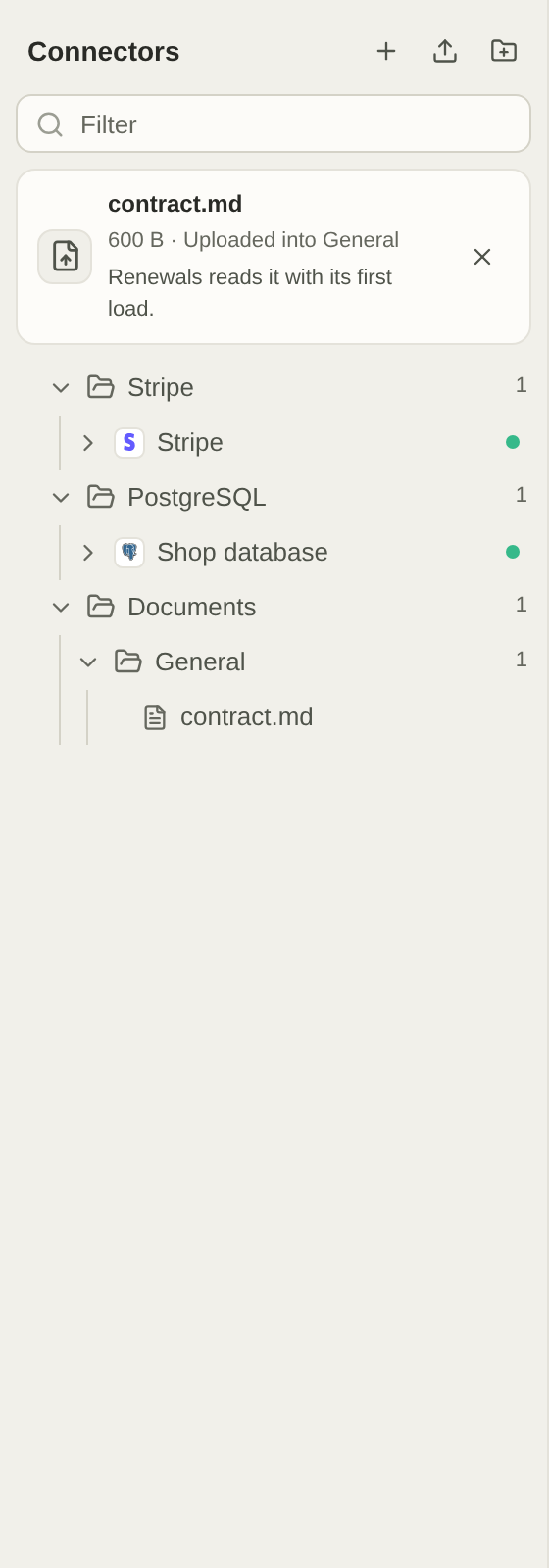
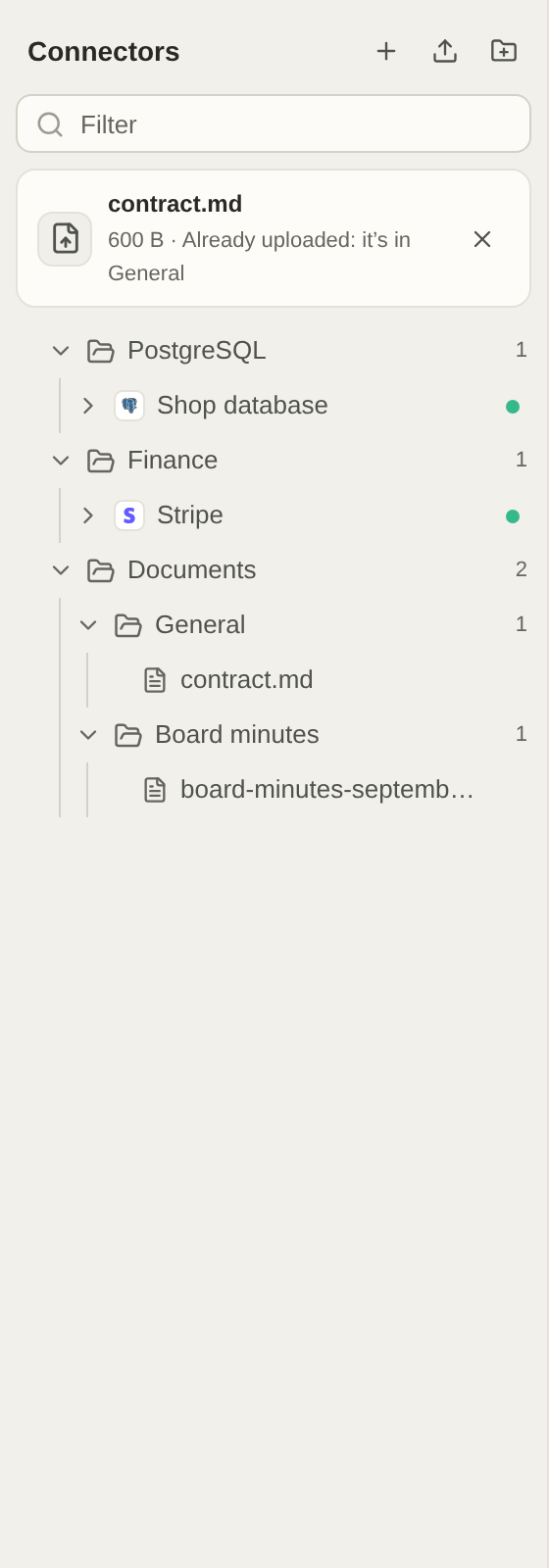
Each upload says which set it went into and which ontologies read that set.
A document’s page
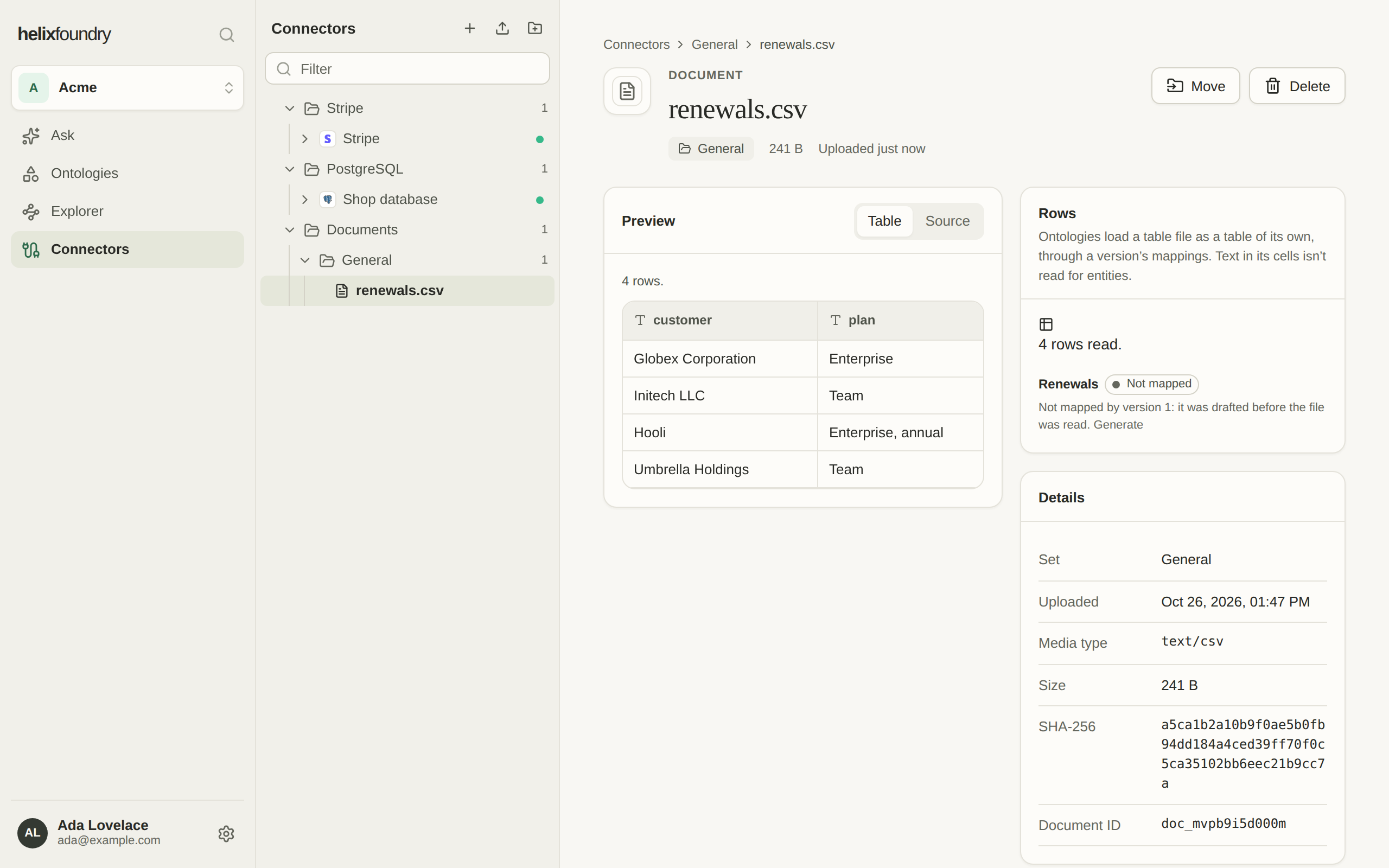
Select a document in the explorer to open its page: what it holds, its set, its size and when it was uploaded. Foundry shows each document by its type:
Markdown, JSON, CSV, TSV and JSONL also have Source, to read the file’s own text.
A table file’s page also says how Foundry read it: its columns, as Rows. Until
Foundry has read it, which takes a moment after the upload, a generation leaves it out.
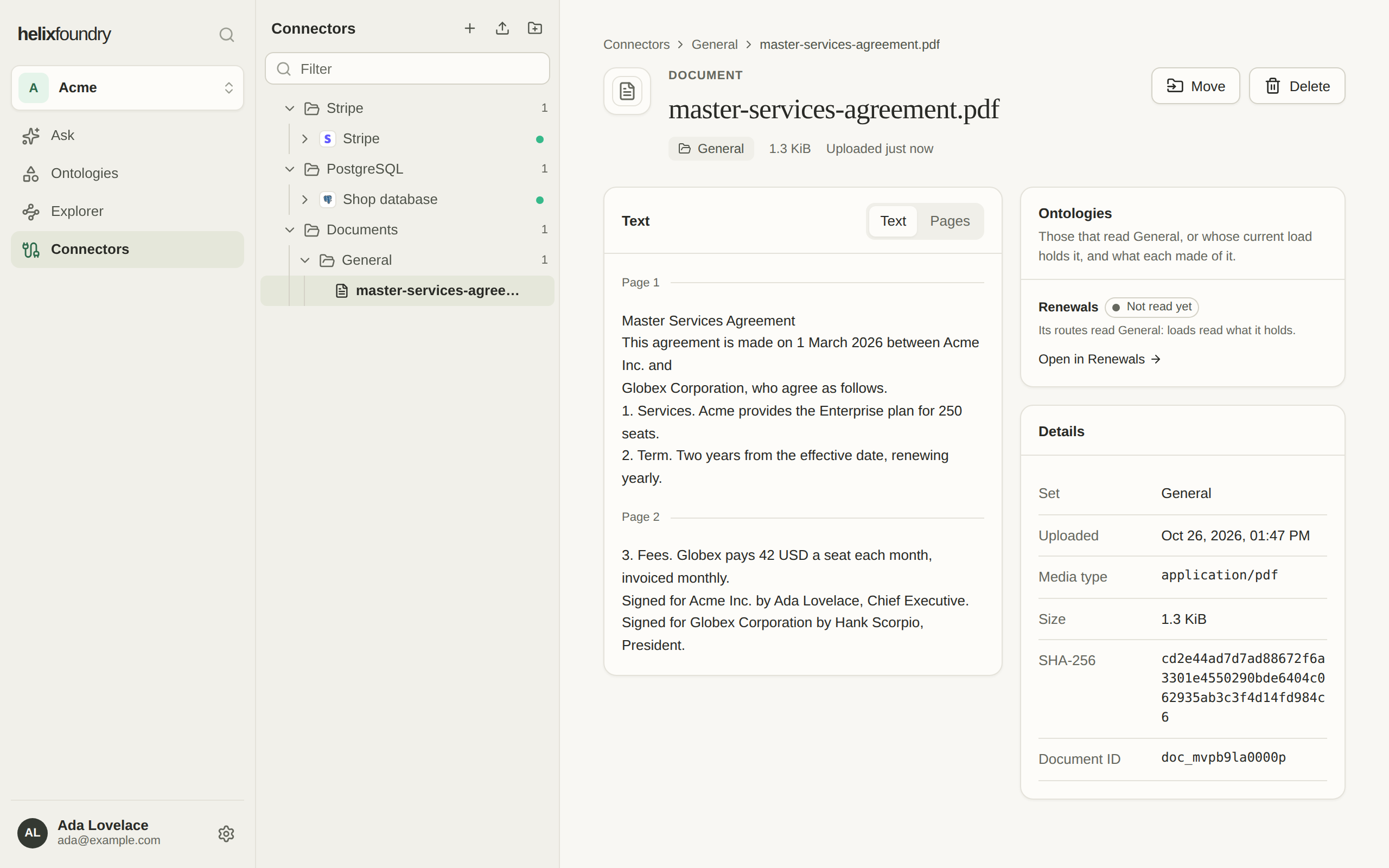
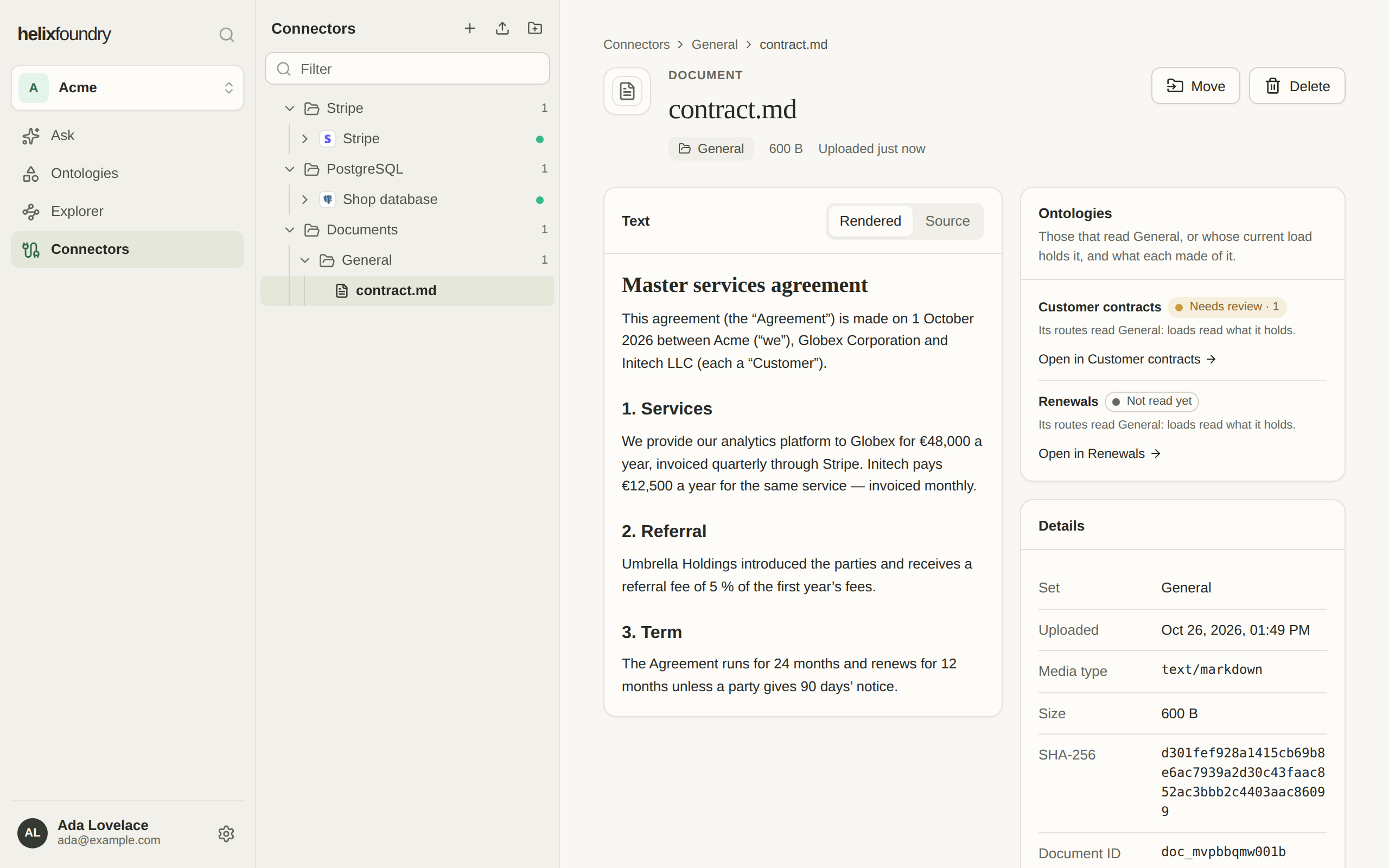
- Move it to another set (or use Move to another set… on its grip in the explorer). Loads that read it keep what they read until their next load, and every ontology that reads the new set reads it there.
- Delete it. It’s removed from Foundry at once; what loads read from it stays in their ontologies’ databases.
- Rename it in place in the explorer, with the pencil beside its name. A rename may change its extension.
How ontologies read documents
An ontology doesn’t read every document in the workspace. Each version reads the sets its generation picked:- Generate picks whole sets. The agent reads up to five of the newest documents in each and drafts routes for them, which say what each set’s documents may fill, such as a contract’s signing date and the customer it was signed with. See Generate and version.
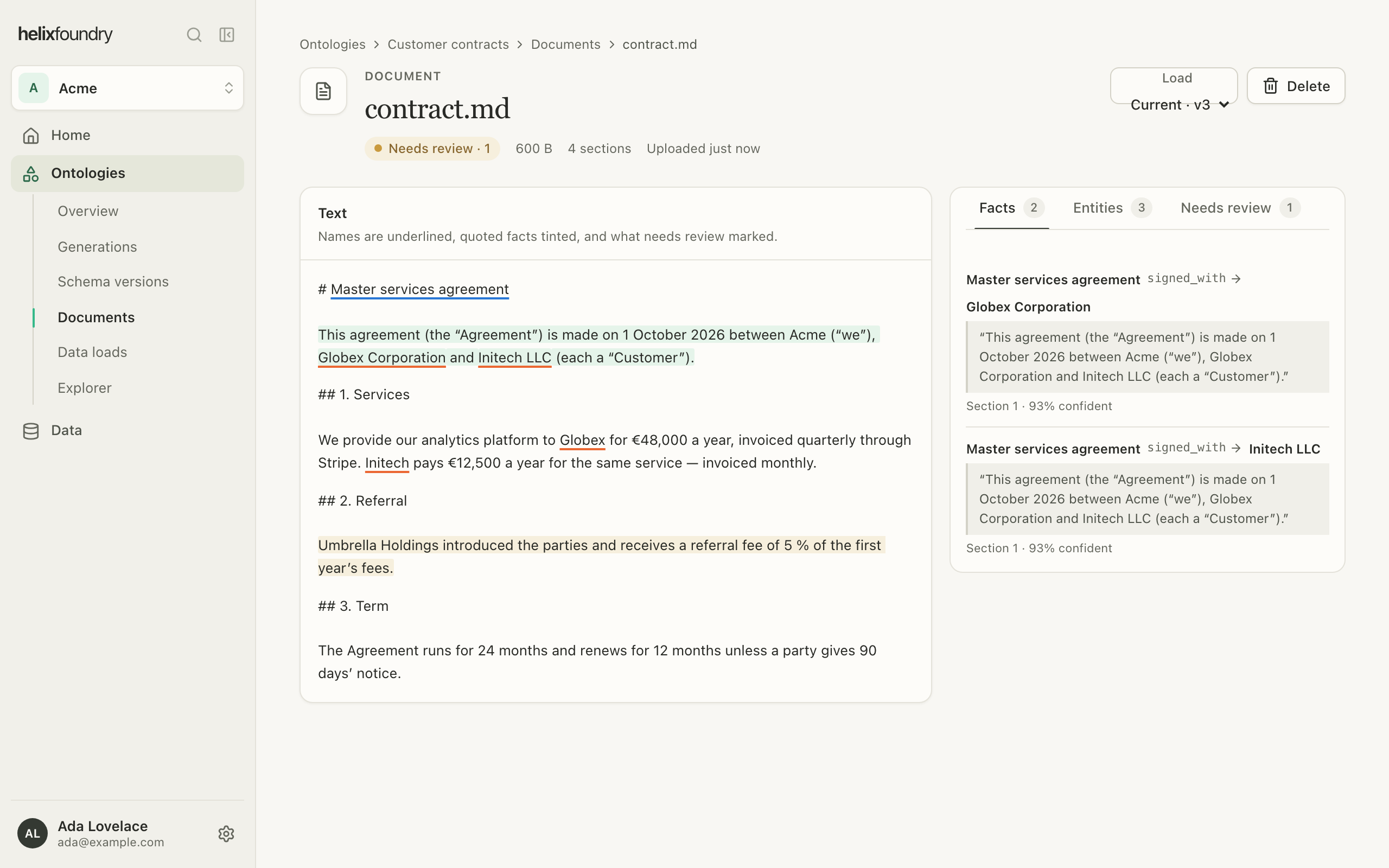
- Loads read every text document and PDF in the version’s sets: its sections, the names it mentions, and the facts it states, each with the quote it came from. A document in a set no route reads is stored, not read, and shows Not read by its version. What a load can’t settle, such as a name the database doesn’t hold, an ambiguous name, a quote it couldn’t verify or a fact that conflicts with your tables, goes to Needs review instead of becoming a record.
- Table files are tables of their own, which a version’s mappings load as they load a synced table. Text in their cells isn’t read for names and facts. A generation that picks a set drafts mappings for the table files in it.
- A document uploaded or moved into a set the current load reads is read into that load as it arrives.
In an ontology
An ontology’s Documents lists what it reads of the workspace’s documents: those in the sets its version reads, and those its current load holds. Open it from the ontology’s pages in the Ontologies panel, from the document count in the ontology’s header, or from a load’s Documents read and Review documents. It is read-only: Open in Connectors goes back to the documents in Connectors. There, the Ontologies panel becomes the ontology’s documents explorer: a row back to the ontology, a filter, and its sets as folders of their documents. Each document’s dot says what the current load made of it: orange needs review, red couldn’t be read, green read, grey waiting or not read. A set counts its documents that need review.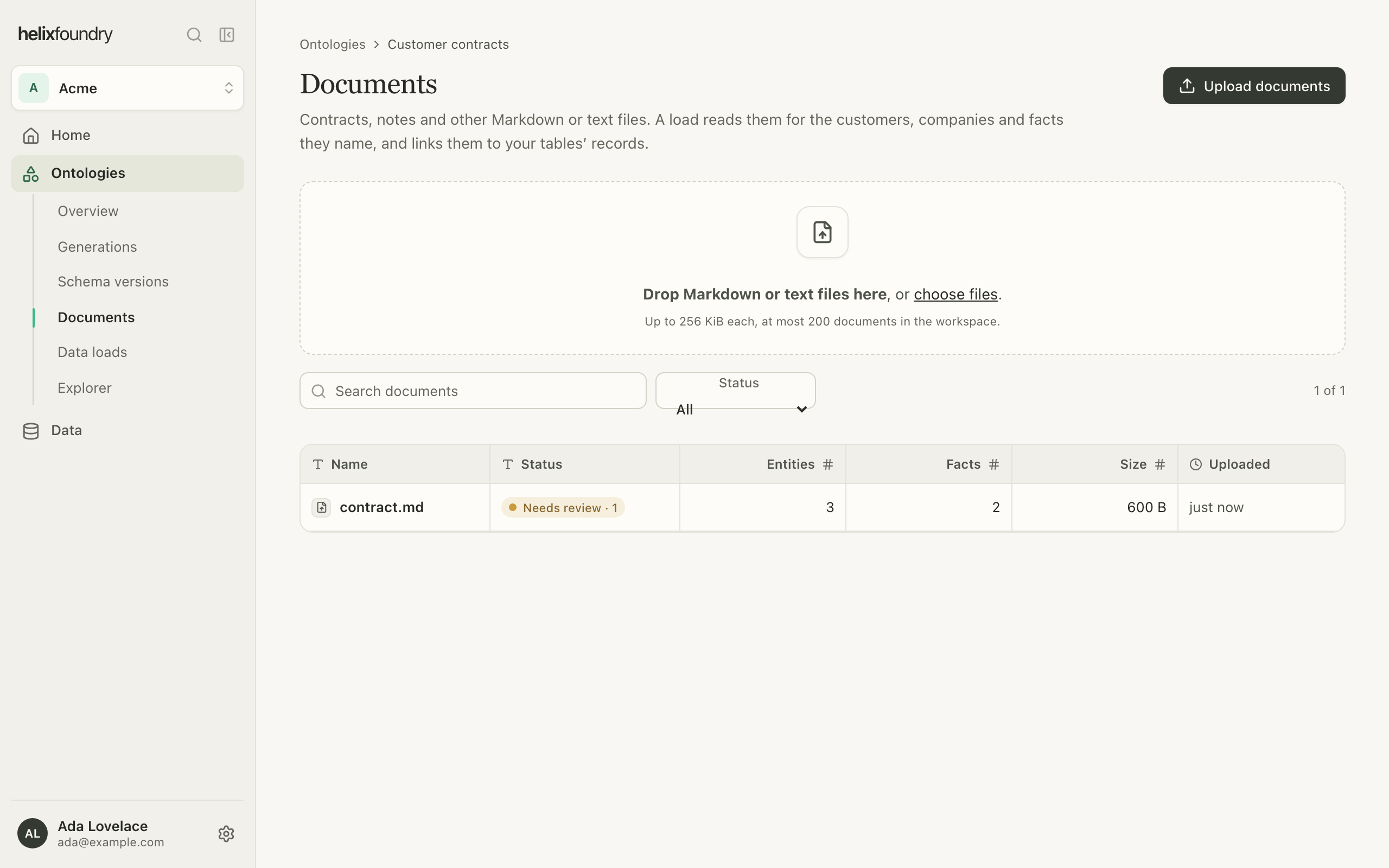
Who can do what
Owners and admins upload, move, rename and delete documents, and create, describe and delete sets. Members read them.Next steps
Generate an ontology
Pick the document sets a version reads.
Load data
Write tables and documents into the database.
Connect data
The Connectors explorer, and how to arrange it.
Records and entities
See every place a record comes from.