

Guide
Everyone in a workspace shares its data, ontologies and plan. Foundry uses the
workspace’s Helix Cloud members and roles, so someone you add in either place has access
in both.
See the members
Settings → Members lists everyone in the workspace with their role and when they joined.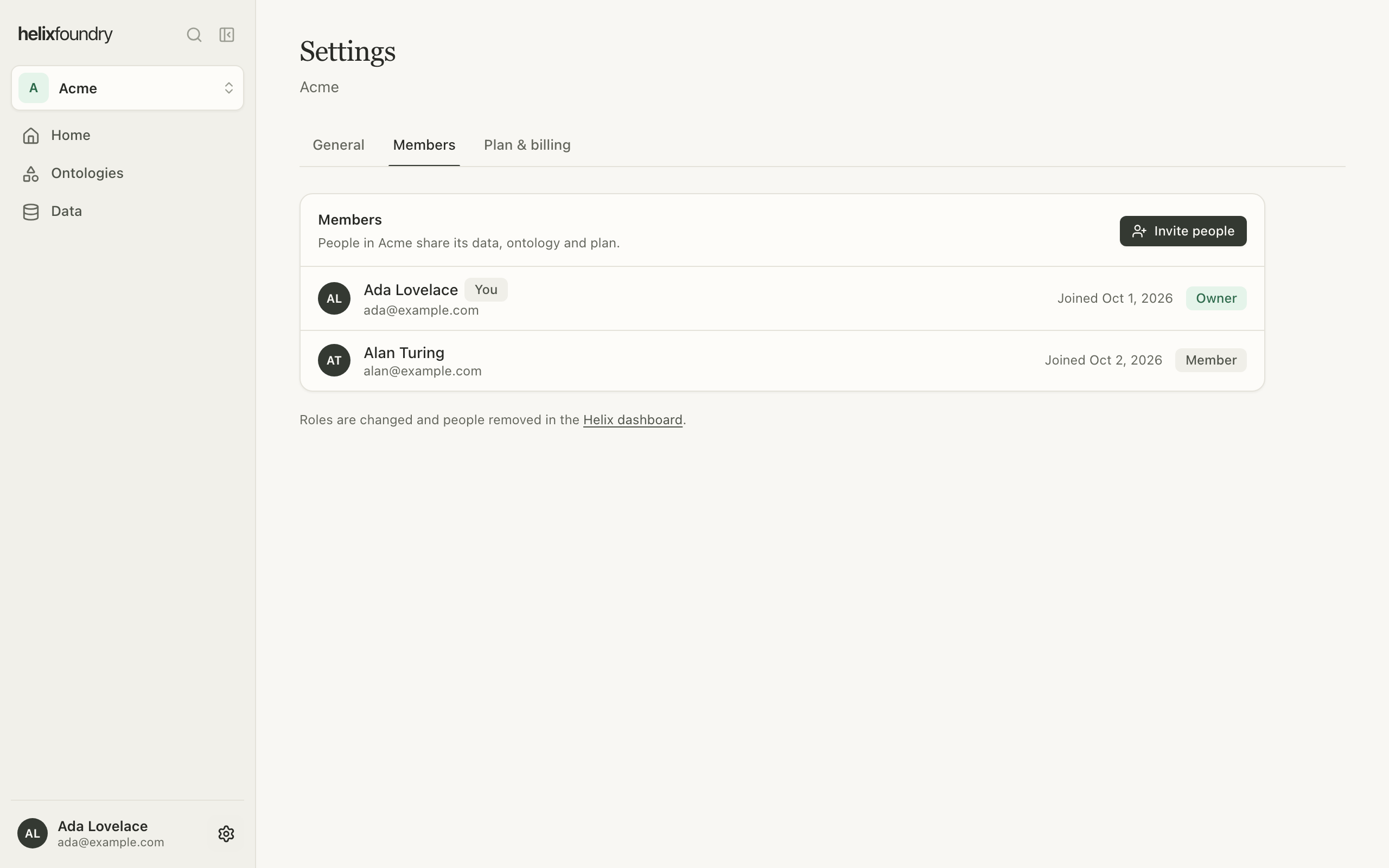
Invite people
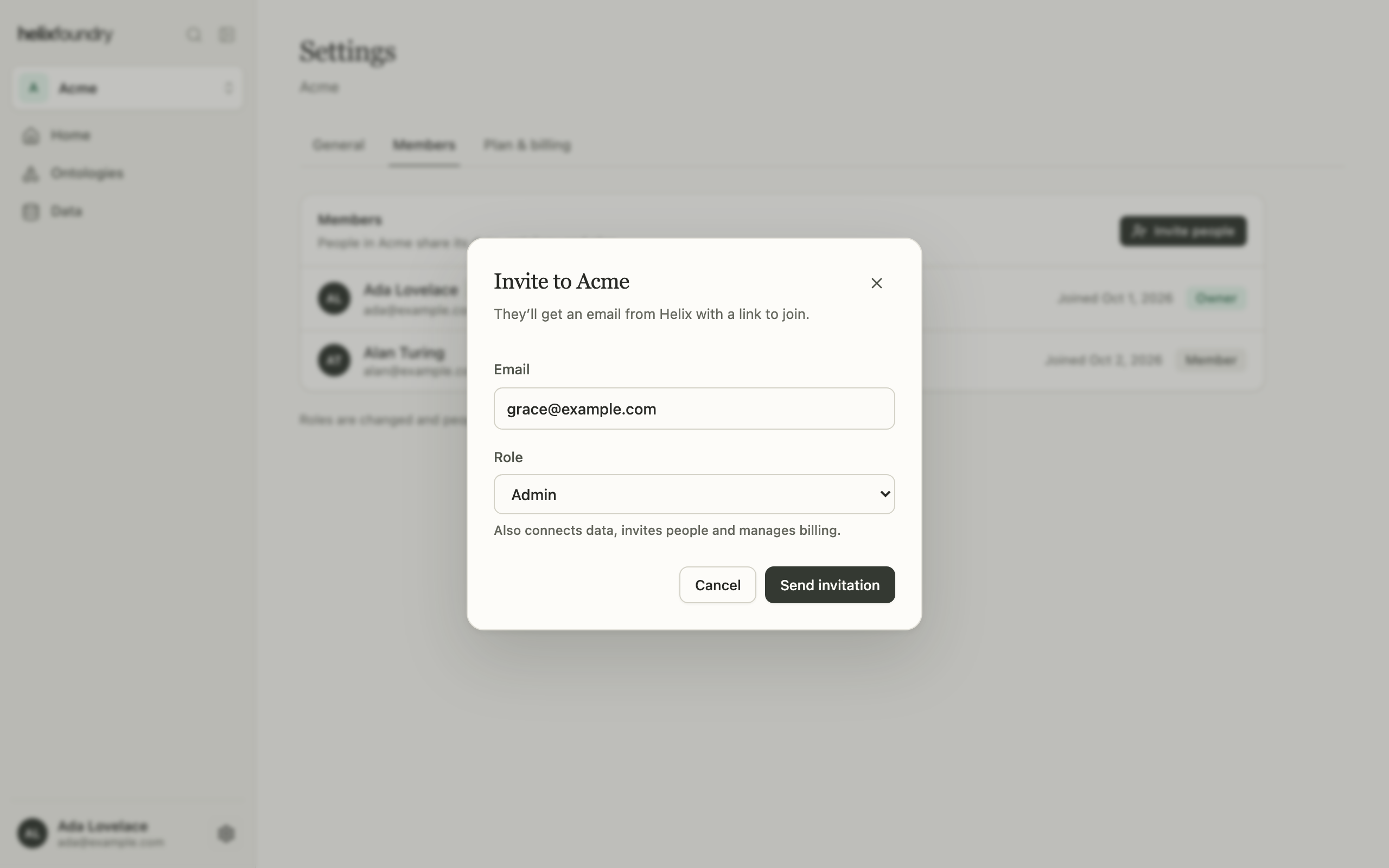
Owners and admins select Invite people, enter an email address and choose a role:- Member sees everything in the workspace.
- Admin also connects data, invites people and manages billing.
What each role can do
Reading what a load wrote, in the Explorer, Records and a document’s text, needs
Query read on the database’s Helix project; grant it in the Helix dashboard. Creating
or deleting an ontology, uploading documents and loading also need write access to that
project.
Next steps
Plans and billing
Compare Free, Pro and Max.
Workspaces and navigation
Switch workspaces and find your way around.