

Guide
A generation asks Foundry’s agent to draft a new version of an ontology: its types,
links, mappings from your tables, rules and the questions it should answer. Each draft
is stored as a new version beside the others. Nothing changes until you make a version
current.
Generate a draft, review it and make it current.
Generate a draft
1
Say what it should serve
On the ontology, select Generate. Under What should it serve?, write the
questions people will ask of it, in your words. The goal is optional, up to 2,000
characters, and names the generation.
2
Choose its tables
Choose the connectors whose synced tables go in; every table a connector has synced
is included. Expand a connector to see its tables. A generation reads at most 50
tables.
3
Check its documents
The agent also sees the names of the ontology’s 50 most recently uploaded
documents, so it can add types for what they hold,
such as a contract with a customer.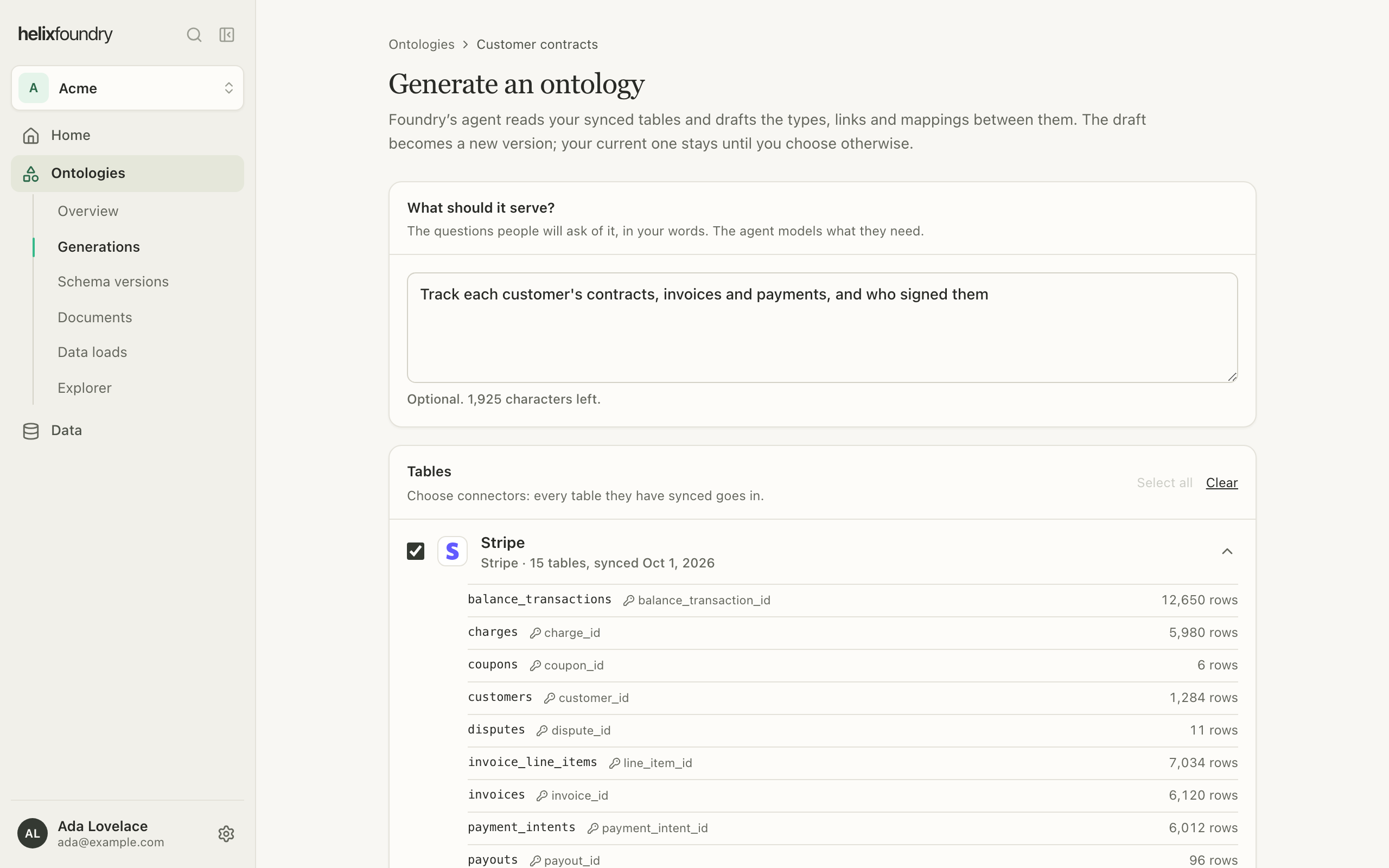
4
Generate
Select Generate. The generation’s page follows it as it runs.
Follow a generation
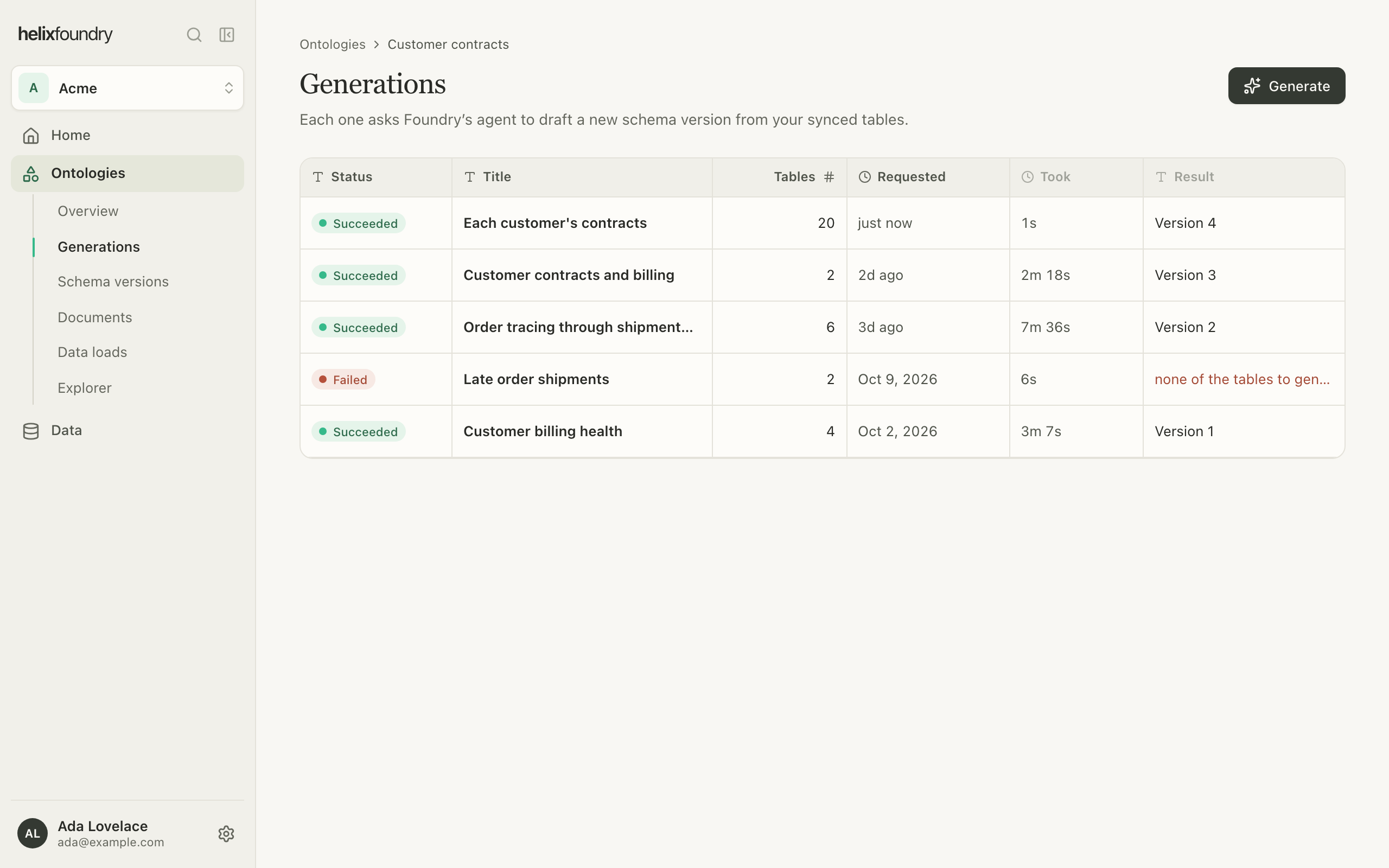
A generation is Queued, then Running, then Succeeded or Failed. It can take several minutes. An attempt that fails for a passing reason is retried, up to three attempts; while it waits, the page says it is retrying, why, and when it runs next. Other failures, such as a draft the agent refused, fail at once. An ontology runs one generation at a time.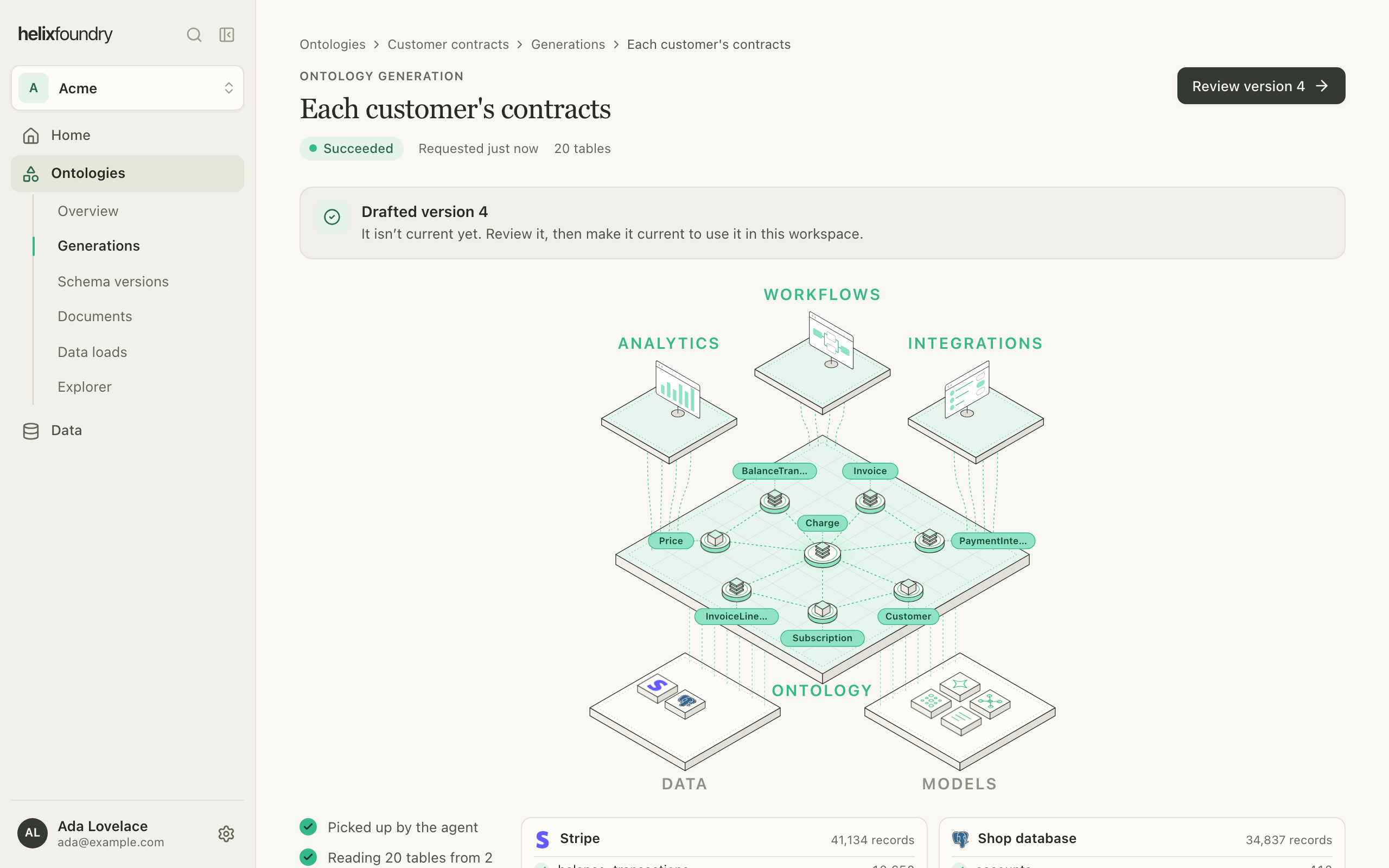
Review a version
Select Review version on a generation, or open a version from Schema versions. An agent draft opens on its summary and its graph, with a tab for each part: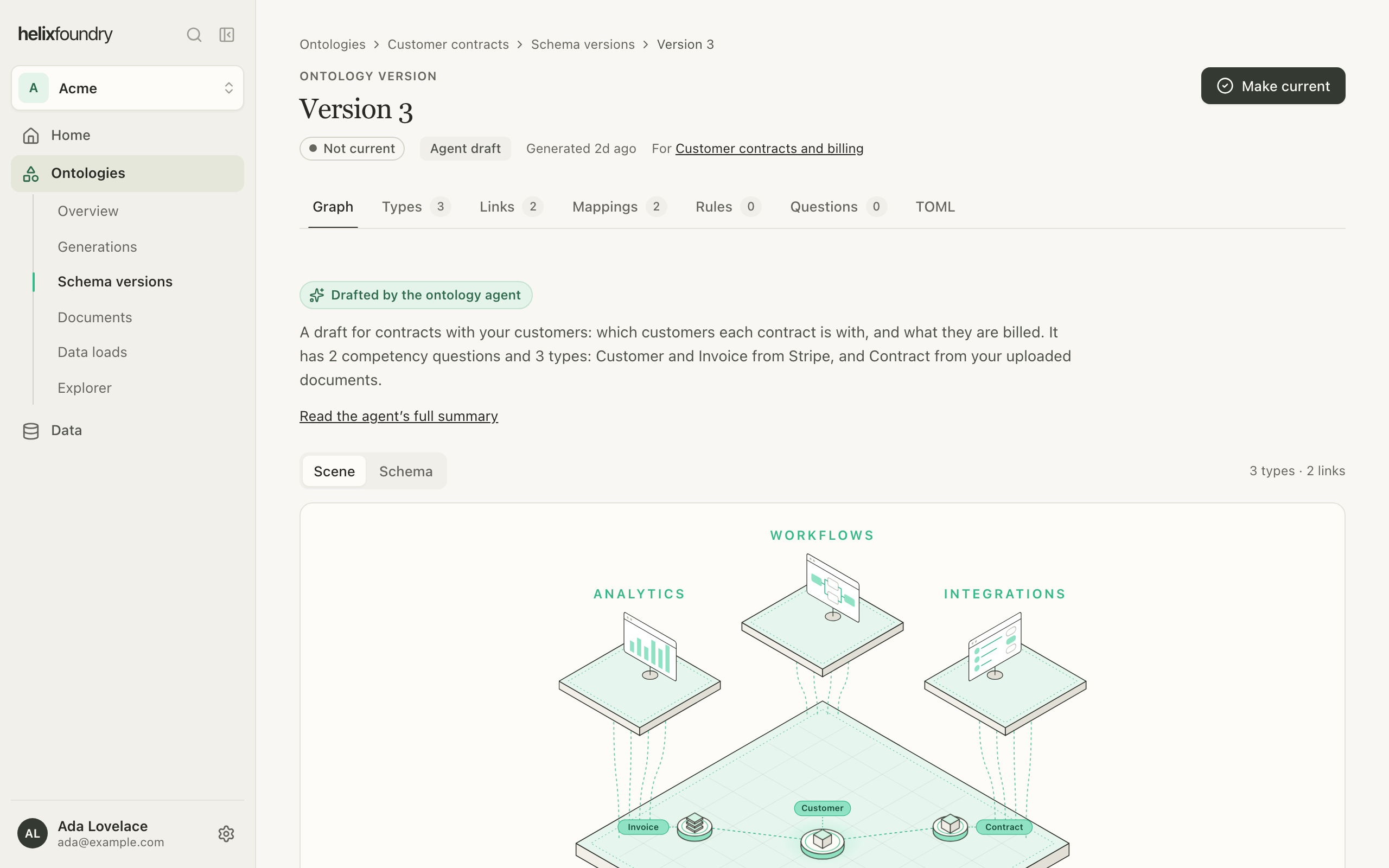
Make a version current
Select Make current on a version, or in Schema versions, and confirm. The current version is the one the overview shows and the one a load writes.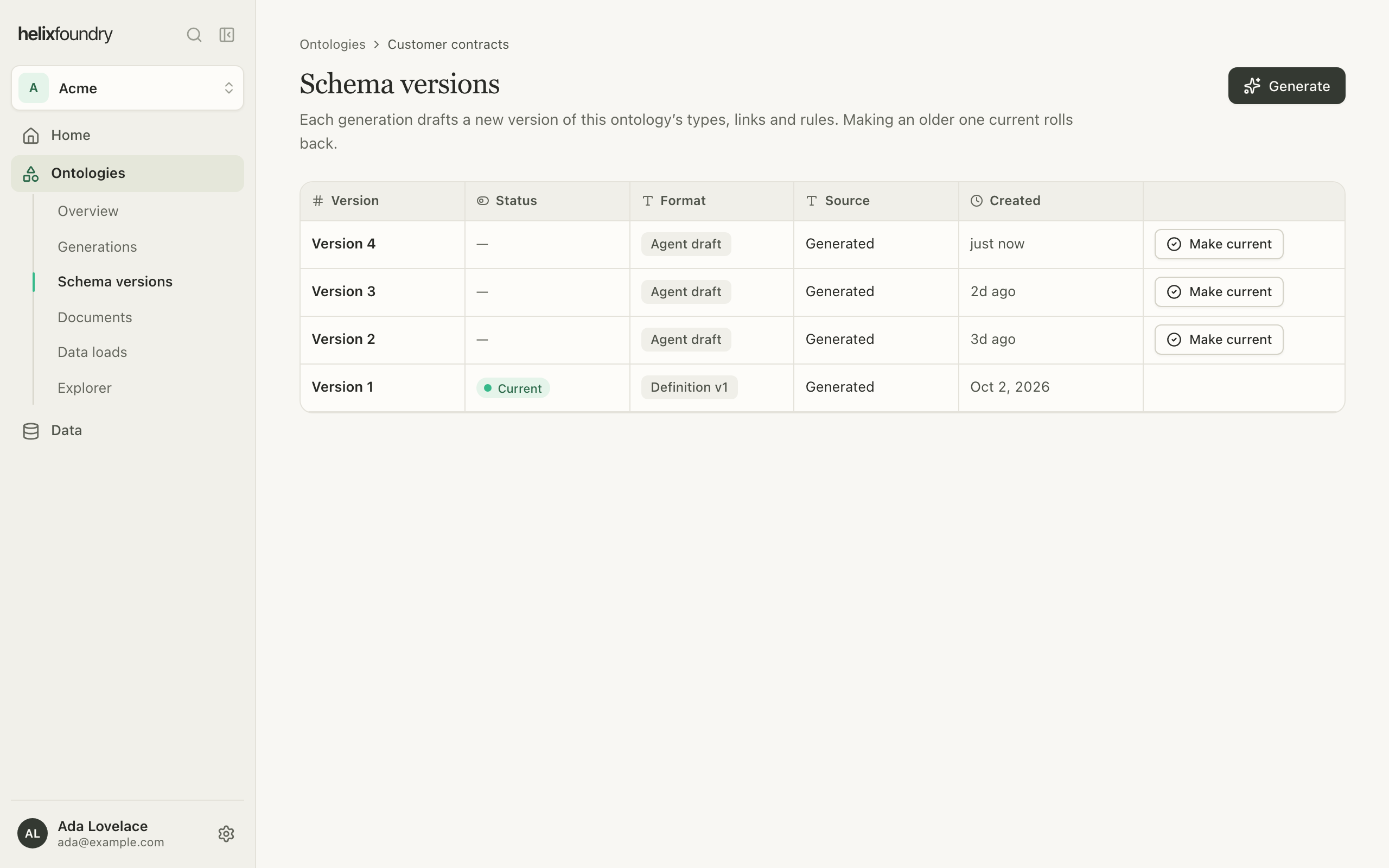
Only an Agent draft the agent finished can be loaded.
A draft it stopped early, or a version in the older Definition v1 format, can be
reviewed and made current, but not loaded.
Who can do what
Owners and admins generate and make versions current. Members see every generation and version.Next steps
Load data
Write the current version into the ontology’s database.
Upload documents
Give the agent and your loads documents to read.